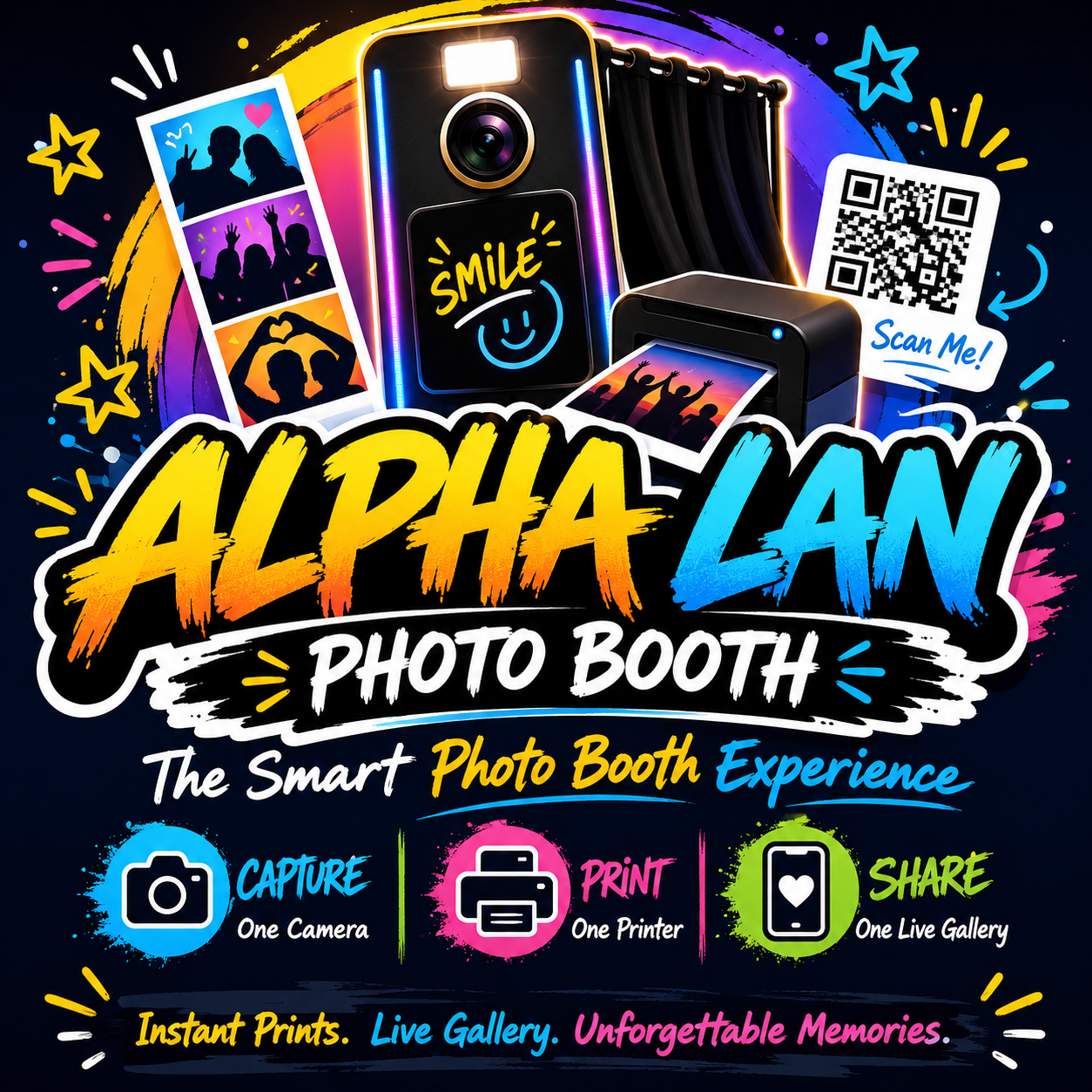
Your photo booth,
printed in seconds.
Create an event, get three QR codes — one for the camera device, one for the printer station, one for guests. Photos sync live across all three.
How it works
See every station in action
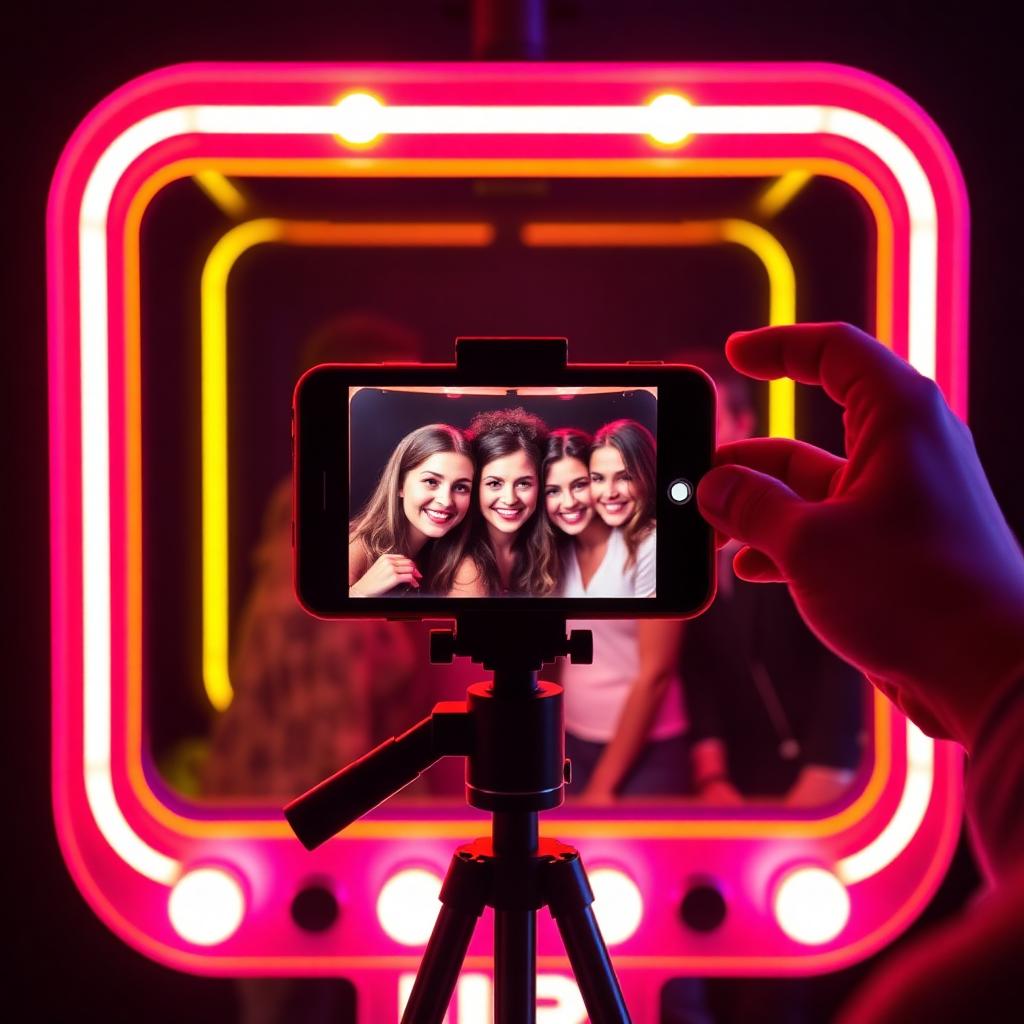
You snap on any phone
Scan the Camera QR to open a full-screen booth. Tap the shutter — the photo uploads instantly.
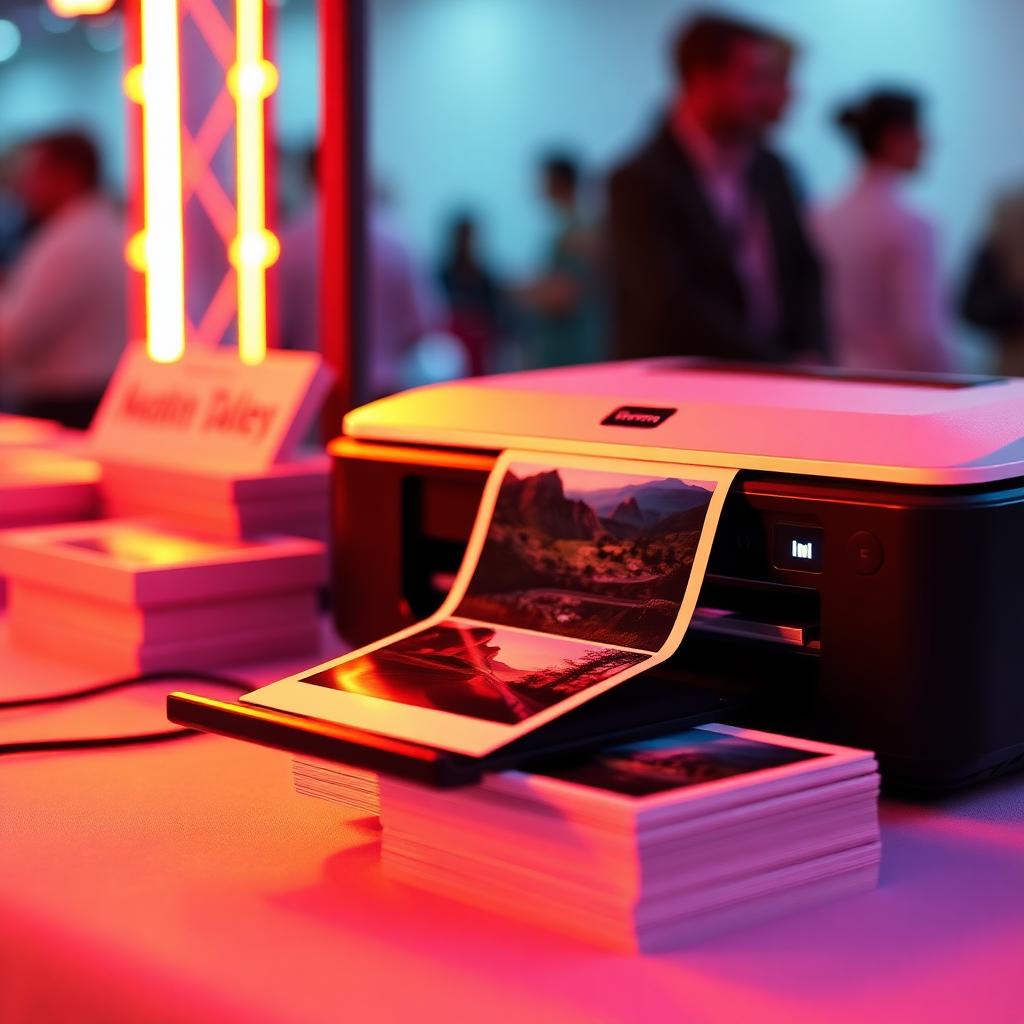
Prints fly out in seconds
Keep the Printer QR open on a laptop next to the printer. Every new photo prints automatically.
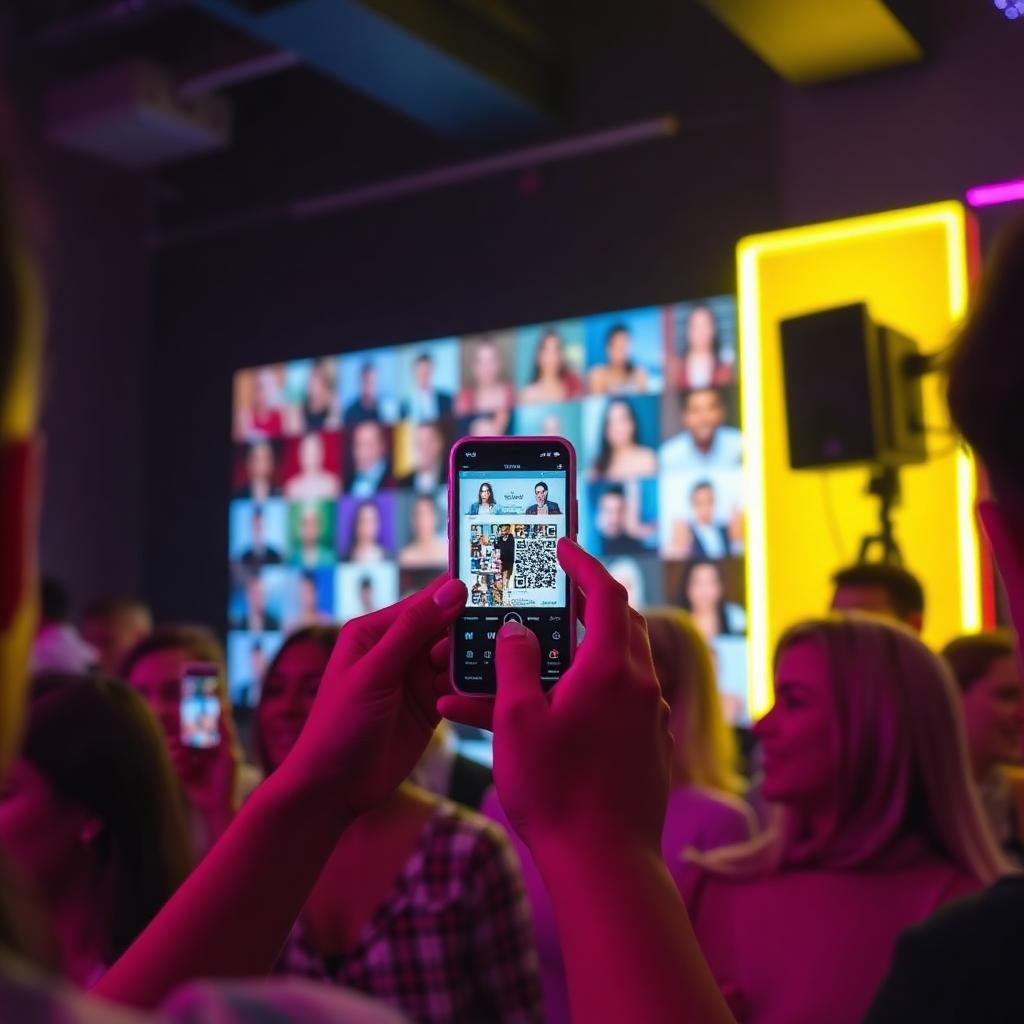
Guests take their photos home
The Gallery QR opens a live wall. Each photo has its own QR + email button to download.
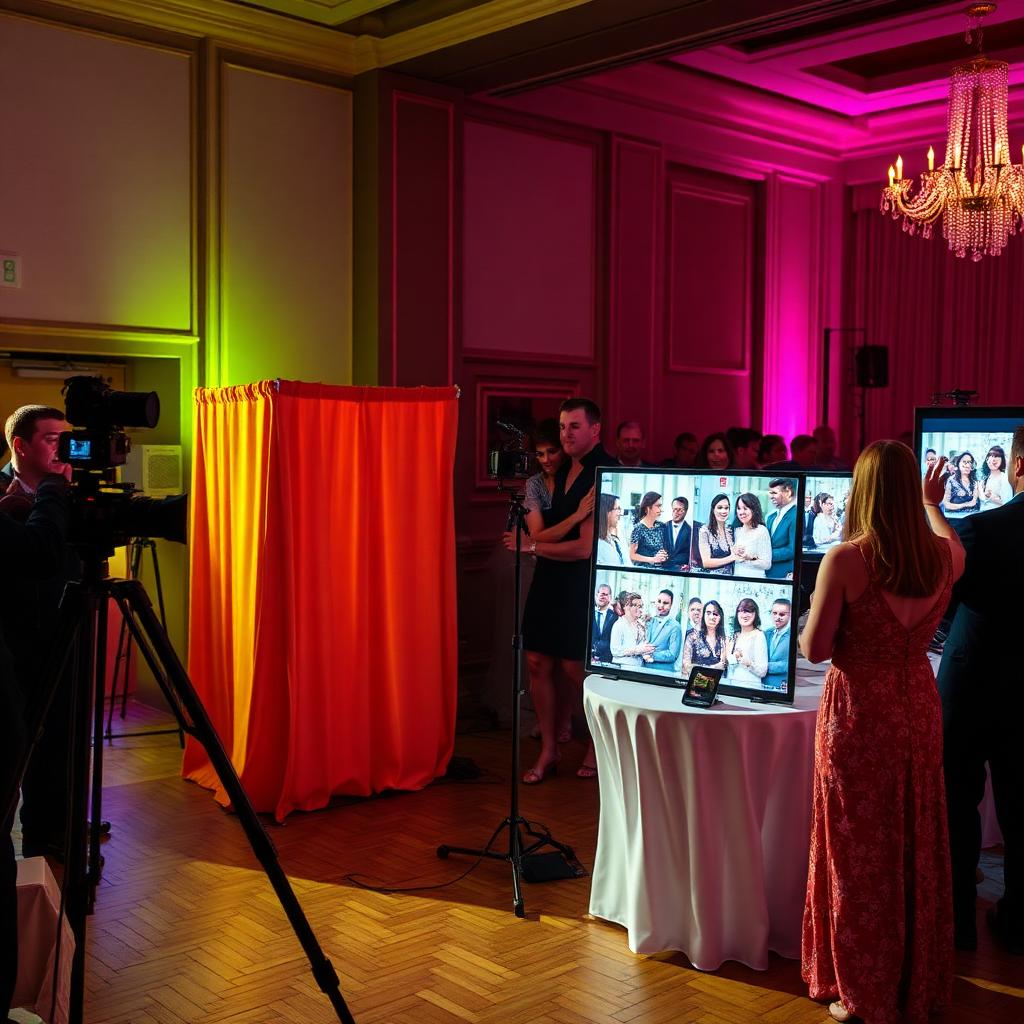
Three devices, one live event
Camera, printer and gallery sync in real time. One event, three QR codes, zero apps to install.
Camera station
Scan to open the camera on any phone or tablet. Tap to snap — photo auto-uploads.
Printer station
Photos auto-print the second they arrive. Just keep the print page open near the printer.
Guest gallery
Guests scan the gallery QR, see their photo with its own QR + email button to take it home.